
Screens are everywhere. Phones wake us up, laptops pay the bills, and TVs help us unwind at night. Asking people to quit devices sounds nice, but it also sounds unrealistic. The real goal is making screen time feel less punishing. With a few smart changes, you can keep your tech and still feel human at the end of the day.
Rethink How Your Screen Looks
Most screens ship with settings that favor brightness over comfort. That glow might look sharp in a store, but it wears on your eyes at home. Turning down brightness and boosting text size can ease strain almost instantly. Small visual tweaks often deliver fast relief. Color temperature also matters more than people expect. Cooler tones keep you alert but can feel harsh after hours of use. Warmer settings reduce glare and help your eyes relax. Many devices offer night modes for this reason. Use them earlier than you think you need to. Your eyes are not built for icy blue light all day long. Treat night mode like sunglasses for your screen.
Breaks Matter More Than You Think
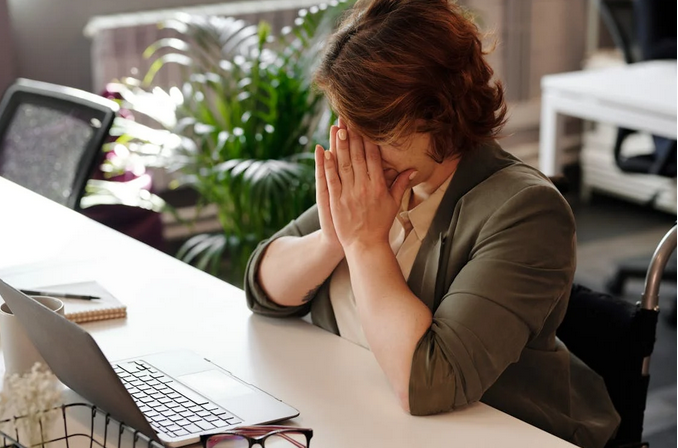
Staring at a screen for hours turns your eyes into overworked interns. They never complain, but performance drops anyway. Short breaks reset focus faster than powering through. Even a quick look out a window helps. That’s why a simple rule works well here. Every twenty minutes, glance at something far away. Your eyes need distance like lungs need fresh air. Stand up, stretch, or walk for a minute. These pauses keep fatigue from piling up silently. Movement helps circulation, which supports eye comfort, too. Sitting frozen in one position only makes things worse.
Fix Your Setup Before Blaming Your Eyes
Screen fatigue often comes from posture problems wearing a tech disguise. A low screen angle forces your neck down and strains your vision. Raising your display to eye level changes everything. Comfort starts with alignment. Lighting also plays a quiet role. Bright screens in dark rooms create harsh contrast. Soft ambient light balances things out. Desk lamps placed off to the side work well. Your eyes prefer harmony, not extremes. Overhead lights can cause glare if placed poorly. Adjusting light direction often helps more than buying new gear.
Use Tech to Fight Tech Fatigue

Ironically, devices can help solve the problem they create. Focus timers remind you to step away before exhaustion hits. Blue light filters soften visual stress throughout the day. These tools act like guardrails, not restrictions. Notifications also deserve attention. Constant alerts keep your brain tense, even when ignored. Trimming them reduces mental clutter. Less interruption equals smoother focus. Your eyes feel the benefit too.
Train Your Habits, Not Just Your Hardware
Fatigue is not always physical. Mental overload plays a big part. Jumping between apps drains attention faster than long sessions on one task. Batch similar activities to reduce that drain. Blinking sounds obvious, yet people forget to do it while reading or scrolling.
Dry eyes follow quickly. Consciously blinking resets moisture and comfort. It feels silly, but it works. Screen fatigue does not mean technology is the enemy. It usually means habits need an update. With better settings, smarter breaks, and a few mindful tweaks, screens become easier to live with.