
Reducing Screen Fatigue Without Quitting Your Devices: Best Tips
Screens are everywhere. Phones wake us up, laptops pay the bills, and TVs help us unwind at night. Asking people to quit devices sounds nice, but it also sounds unrealistic. The real goal is making screen time feel less punishing. With a few smart changes, you can keep your tech and still feel human at the end of the day.
Rethink How Your Screen Looks
Most screens ship with settings that favor brightness over comfort. That glow might look sharp in a store, but it wears on your eyes at home. Turning down brightness and boosting text size can ease strain almost instantly. Small visual tweaks often deliver fast relief. Color temperature also matters more than people expect. Cooler tones keep you alert but can feel harsh after hours of use. Warmer settings reduce glare and help your eyes relax. Many devices offer night modes for this reason. Use them earlier than you think you need to. Your eyes are not built for icy blue light all day long. Treat night mode like sunglasses for your screen.
Breaks Matter More Than You Think

Staring at a screen for hours turns your eyes into overworked interns. They never complain, but performance drops anyway. Short breaks reset focus faster than powering through. Even a quick look out a window helps. That’s why a simple rule works well here. Every twenty minutes, glance at something far away. Your eyes need distance like lungs need fresh air. Stand up, stretch, or walk for a minute. These pauses keep fatigue from piling up silently. Movement helps circulation, which supports eye comfort, too. Sitting frozen in one position only makes things worse.
Fix Your Setup Before Blaming Your Eyes
Screen fatigue often comes from posture problems wearing a tech disguise. A low screen angle forces your neck down and strains your vision. Raising your display to eye level changes everything. Comfort starts with alignment. Lighting also plays a quiet role. Bright screens in dark rooms create harsh contrast. Soft ambient light balances things out. Desk lamps placed off to the side work well. Your eyes prefer harmony, not extremes. Overhead lights can cause glare if placed poorly. Adjusting light direction often helps more than buying new gear.
Use Tech to Fight Tech Fatigue

Ironically, devices can help solve the problem they create. Focus timers remind you to step away before exhaustion hits. Blue light filters soften visual stress throughout the day. These tools act like guardrails, not restrictions. Notifications also deserve attention. Constant alerts keep your brain tense, even when ignored. Trimming them reduces mental clutter. Less interruption equals smoother focus. Your eyes feel the benefit too.
Train Your Habits, Not Just Your Hardware
Fatigue is not always physical. Mental overload plays a big part. Jumping between apps drains attention faster than long sessions on one task. Batch similar activities to reduce that drain. Blinking sounds obvious, yet people forget to do it while reading or scrolling.
Dry eyes follow quickly. Consciously blinking resets moisture and comfort. It feels silly, but it works. Screen fatigue does not mean technology is the enemy. It usually means habits need an update. With better settings, smarter breaks, and a few mindful tweaks, screens become easier to live with.…
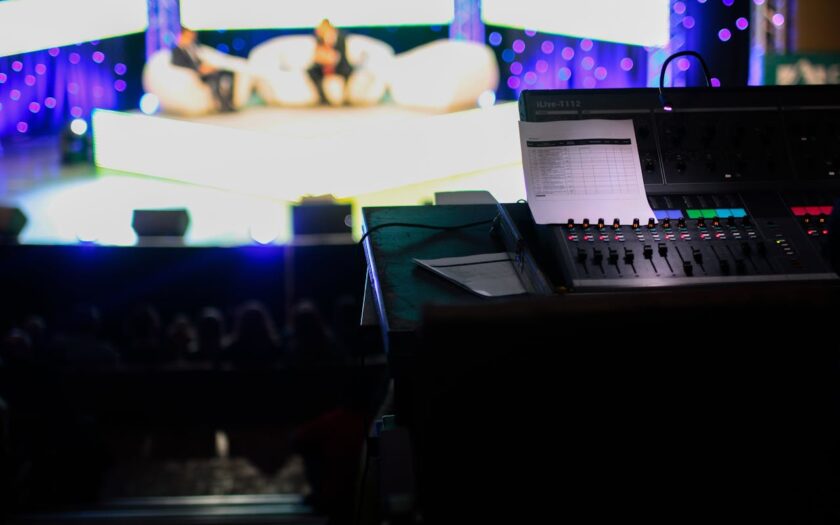
 Gone are the days of cramped studios and cluttered workspaces – with VR tech, artists can now create and collaborate in immersive virtual environments that transcend the limitations of physical space. Whether it’s a sprawling digital canvas or a meticulously crafted 3D model, VR allows artists to step inside their creations and bring them to life in ways that were previously unimaginable.
 Perhaps most importantly, VR technology is bridging the gap between art and technology, bringing together artists, engineers, designers, and technologists to collaborate and innovate in exciting new ways. With VR becoming increasingly integrated into various industries, from entertainment and gaming to architecture and healthcare, artists have the opportunity to collaborate with experts from diverse fields and explore new interdisciplinary approaches.







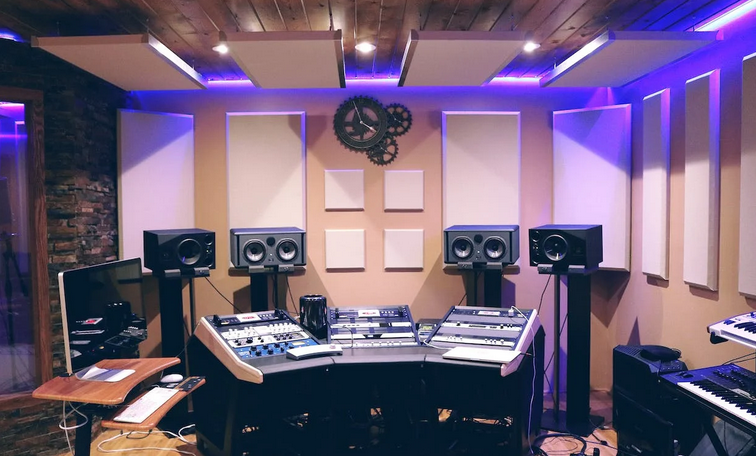

 To truly master the art of professional-sounding music, learn from those who have already achieved success in the field. Watch tutorials, attend workshops, and study the work of your favorite artists. Most importantly, keep practicing and refining your skills.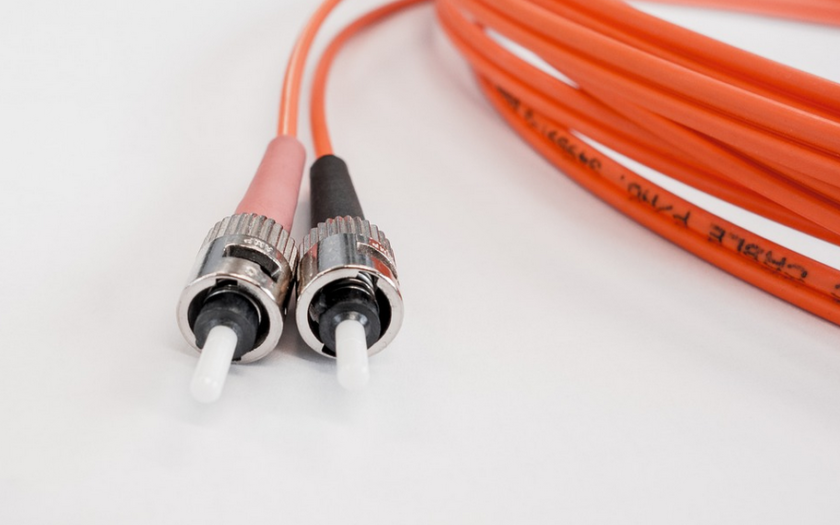

 Lastly, OS2 fiber optic cables provide superior performance over other types of cables. It’s especially if we’re talking about its attenuation. This is because it has a larger core size and a higher bandwidth, which makes it able to transmit data faster and more efficiently than other types of cables. Additionally, OS2 fiber optic cables are designed for long-distance use, so you don’t have to worry about losing your connection even if you’re far away from the source.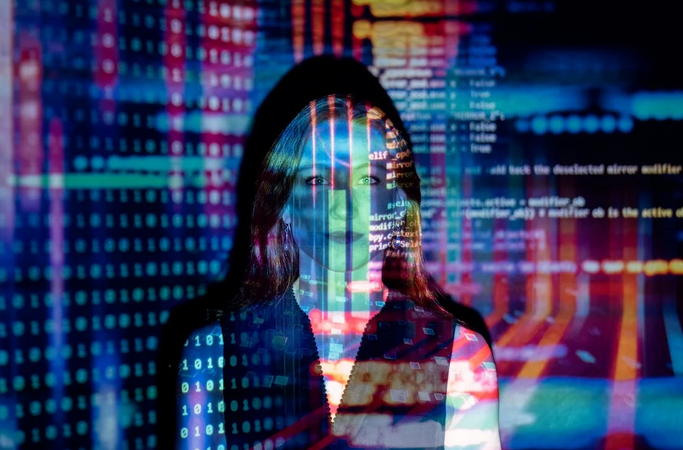
 Artificial intelligence is another technology we can confirm will exist in the future. In fact, it is already starting to become a part of our everyday lives. Siri, Alexa, and Google Assistant are all examples of artificial intelligence. In the future, artificial intelligence will become even more advanced and will be used in many different industries.
 One of the most exciting
 The first step in optimizing your cart abandonment emails is using urgency and scarcity to encourage customers to return and complete their purchases. You can do this by including a time limit on the special offer or a limited quantity of products available at discounted prices. This will create FOMO (fear of missing out) for shoppers who may have been on the fence about making a purchase, and it could be the nudge they need to return and complete their purchase. In addition, understand the psychology of why customers abandon their shopping carts. You might think that people only leave items in their carts because they’re not ready to buy, but there could be other reasons.
 Testing different subject lines and call-to-action buttons to see what works best for your audience is another way to optimize your cart abandonment emails. This will allow you to find out which types of messages resonate with shoppers so that you can create more personalized content in the future! If there are certain items they were interested in buying before abandoning their cart, these might be good options for testing. You could also test different subject lines to see which ones get higher open rates and click-throughs from readers.
 The final strategy is monitoring your email analytics to track open rates, click-through rates, and conversion rates. This will help you see which types of messages work best for you and make changes accordingly.
 It seems almost impossible to create pay stubs for all of your employees one by one. Therefore, you should try to use a pay stub generator. This generator takes the data that you input and creates pay stubs immediately! There is nothing more efficient than this.
 Social media is a great way to help advertise your product or service. However, it can be difficult for companies to keep up with so many social media pages at once. Therefore, we recommend using software that helps you manage your marketing efforts in one place!
 Today’s market is very competitive, so companies have to stay ahead of the curve. One way to do this is by using customer service and helpdesk applications. This software allows you to provide superior support for your clients, allowing them to feel valued as customers! You can also use a program like this one to track and resolve customer complaints. This program works using AI technology, automatically creating solutions to customers’ problems.